Chapter 4: Daily Practice & Classroom Integration
Protecting Student Privacy & Well-Being
Knowing Your Responsibilities as an Educator
Protecting student privacy is an important part of using AI responsibly in education. While you aren't expected to be an expert in privacy law, understanding your responsibilities and following your school or school authority's guidelines can help guide your decisions.
In October 2025, Canada's federal, provincial, and territorial privacy regulators issued a joint resolution calling for stronger protections for children and youth using educational technologies. The resolution emphasizes that protecting student privacy is a shared responsibility involving governments, schools, school authorities, and technology providers. It also calls for clearer processes for evaluating educational technologies. ongoing privacy training, and greater transparency about how student information is collected and used (Federal, Provincial and Territorial Privacy Regulators, 2025).
Understanding Canada's Privacy Landscape
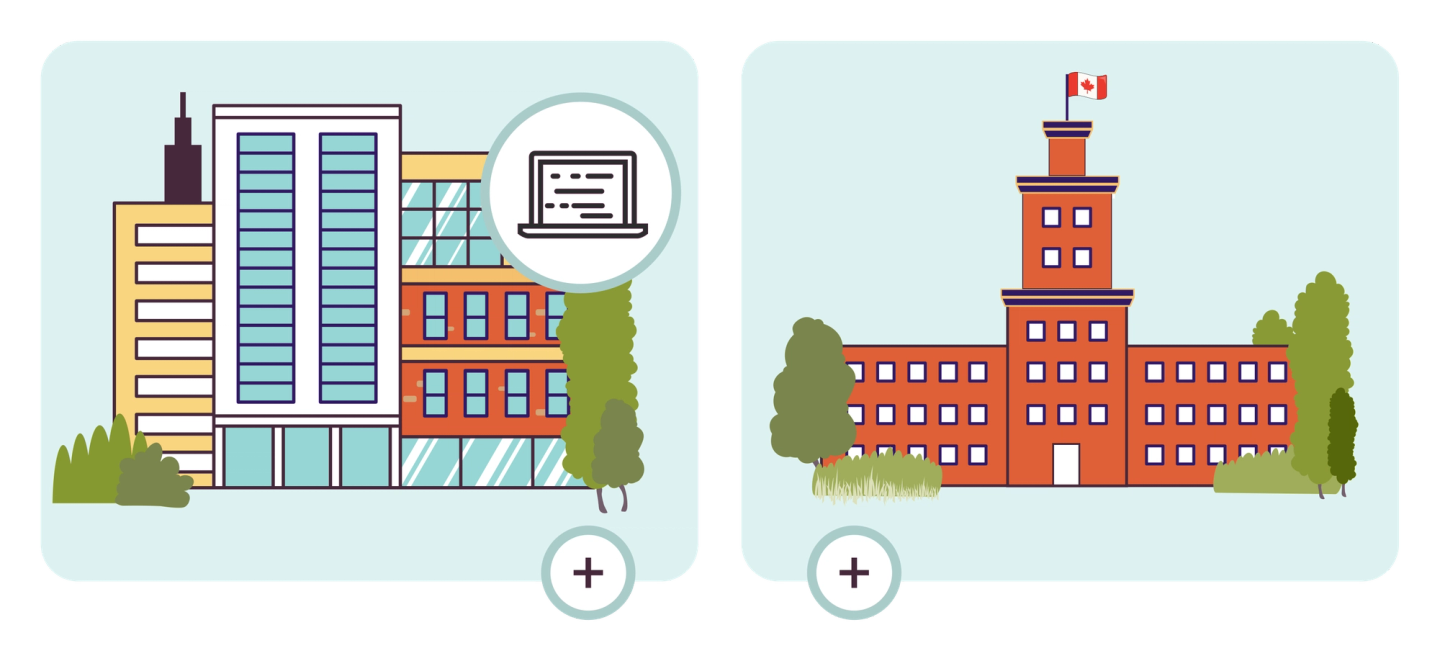
Private-Sector Organizations
In Canada, the Personal Information Protection and Electronic Documents Act (PIPEDA) sets rules for how many private-sector organizations, including some AI technology providers, collect, use, and disclose personal information. Applicable provincial privacy laws may also apply.
Public Schools & School Authorities
Public schools and school authorities are generally governed by provincial or territorial privacy laws, which vary across Canada. These requirements, along with school or school authority policies, help guide how student information is collected, used, and protected.
When selecting AI tools or handling student information, follow your school or school authority's policies and guidance.
Protecting Student Privacy in Daily Practice
Understanding your privacy responsibilities is an important first step. The next step is putting them into practice when using AI tools in your daily work.
Before using an AI tool, check your school or school authority's guidance. Even tools designed for education aren't necessarily approved for classroom use, and restrictions may apply to how student information is handled.
When drafting communications or creating learning materials, consider how to complete the task without sharing unnecessary personal information. For example, you could ask AI to draft a general parent communication template rather than providing a student's name, grades, or personal circumstances. Similarly, you should describe a general learning need when adapting instructional materials rather than ever sharing an individual student's records.
Remember that removing a student's name doesn't always make information anonymous. Other details, particularly when combined, may still identify them.
Safeguarding Student Identity & Well-Being
Protecting students goes beyond keeping their personal information private. When you use AI to summarize progress, draft communications, or suggest learning supports, the generated content can influence how students are represented, understood, and supported.
Three Ways AI-Generated Content Can Affect Students
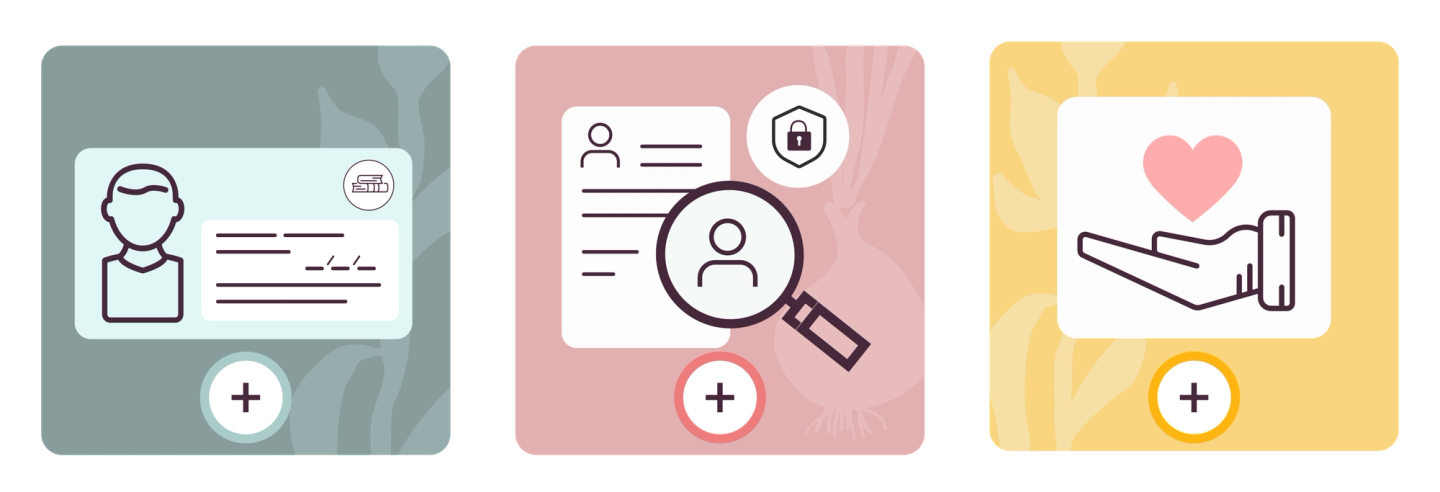
Student Identity & Representation
AI-generated summaries or descriptions may misrepresent a student's abilities, behaviour, or learning needs. These descriptions should not be treated as objective assessments and should be reviewed against your own knowledge of the student.
Sensitive Information & Profiling
AI-generated interpretations of student performance, behaviour, or learning needs may reinforce assumptions or create misleading profiles that don't reflect the full context of a student's experiences.
Student Well-Being
Inaccurate or inappropriate AI-generated suggestions could influence the learning supports, opportunities, or interventions offered to students, particularly if those suggestions are accepted without careful review.
What Does This Mean In Daily Practice?
Before using AI-generated content in communications, learning materials, or instructional planning, consider whether it accurately and respectfully represents students. Avoid unnecessary personal details, review suggestions for assumptions or bias, and rely on your professional judgment when making decisions about student support.
Let’s See What You’ve Learned!
Chapter 4 has explored how AI can support everyday teaching practice, from administrative tasks and instructional design to differentiated learning and accessibility. This knowledge check asks you to apply what you've learned while keeping student needs, professional judgment, privacy, and well-being at the centre of your decisions.
Question 1 of 10
An educator is considering using AI to support their daily workload. Which task is generally the most appropriate starting point?
What’s Next in Your Learning Journey?
In Chapter 5, we'll shift our attention from using AI in everyday teaching practice to helping students develop their own AI literacy skills. We'll explore age-appropriate ways to introduce AI concepts across grade levels and subject areas, how AI is influencing career pathways, and why foundational and transferable skills remain important for preparing students for the future.